Introduction
Buying a device for a teenager isn’t simple anymore.
It’s not just about homework. Teens use technology for school, creativity, gaming, communication, and everything in between. As a parent, you want something reliable, secure, and flexible—without turning your home into a tech support center.
That’s where Microsoft and its Microsoft Surface lineup step in.
Surface devices aim to balance performance, portability, and parental peace of mind. But are they actually a good fit for families with teens?
Let’s break it down in a clear, practical way.
What Makes Surface Devices Different?
Surface devices aren’t typical laptops.
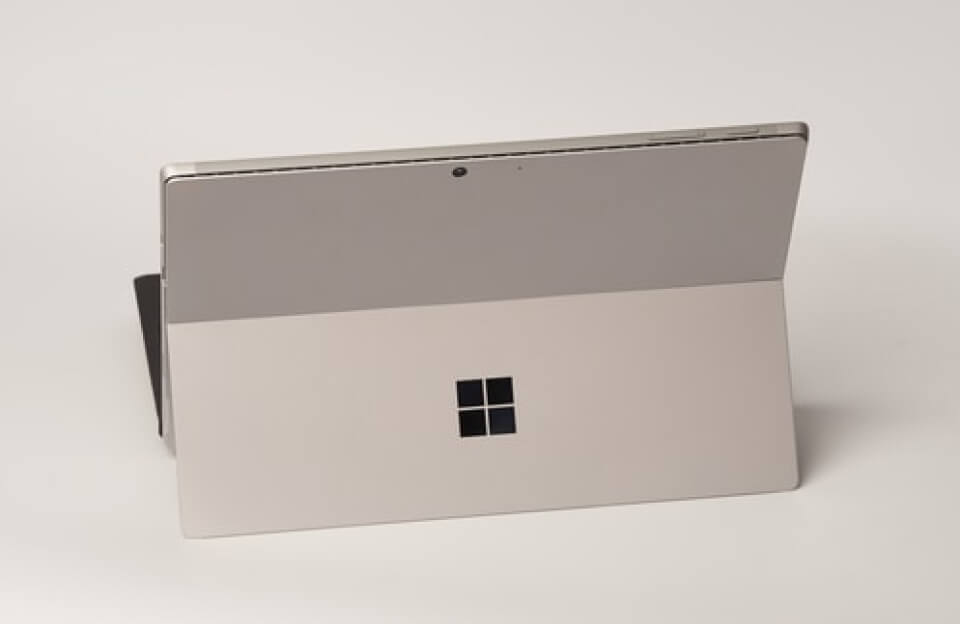
They combine the functionality of a laptop with the flexibility of a tablet. Many models include touchscreens, detachable keyboards, and stylus support.
That means your teen can:
- Type essays like on a laptop
- Take handwritten notes like on paper
- Sketch or design digitally
This hybrid approach makes Surface devices more adaptable than traditional computers.
Built for School and Beyond
Teens don’t use devices for just one purpose—and Surface reflects that.
Schoolwork Comes First
Surface devices run full versions of Windows 11, which supports essential tools like:
- Microsoft Word
- Microsoft Excel
- Microsoft PowerPoint
These tools remain standard in most schools.
Unlike tablets with limited apps, Surface devices handle full desktop software with ease.
Creativity Gets a Boost
Many teens enjoy creative work—drawing, video editing, or music production.
Surface devices support:
- Digital drawing with the Surface Pen
- Photo and video editing apps
- Design tools for school projects
The touchscreen and pen combo makes creative tasks feel natural, not forced.
Entertainment Still Matters
Let’s be realistic—teens will stream shows, browse social media, and play games.
Surface devices handle:
- Streaming platforms
- Casual gaming
- Web browsing
They aren’t built as high-end gaming machines, but they perform well for everyday entertainment.
Parental Controls and Digital Safety
This is where Surface devices stand out for families.
Using Microsoft Family Safety, parents can:
- Set screen time limits
- Filter inappropriate content
- Monitor online activity
- Track device usage
These controls integrate directly with Windows, so you don’t need extra apps or complicated setups.
That simplicity matters when managing a teen’s digital habits.
Durability and Real-Life Use
Teens don’t always treat devices gently.
Surface devices feature:
- Solid build quality
- Lightweight designs for backpacks
- Long battery life for school days
Still, no device is indestructible. A protective case and some basic care go a long way.
Which Surface Device Fits Your Teen?
Not every teen needs the same device.
Here are a few popular options:
1. Microsoft Surface Laptop Go
- Best for basic schoolwork
- Lightweight and affordable
- Ideal for younger teens
2. Microsoft Surface Pro 9
- Tablet + laptop flexibility
- Great for note-taking and drawing
- Higher price but more versatile
3. Microsoft Surface Laptop 5
- Strong performance
- Classic laptop design
- Good for older teens with heavier workloads
Choosing the right model depends on how your teen plans to use it.
Pros and Cons for Families
Let’s keep things honest.
Pros
- Versatile design (tablet + laptop)
- Strong integration with school software
- Built-in parental controls
- Premium build quality
Cons
- Higher price compared to basic laptops
- Accessories (like keyboards and pens) may cost extra
- Not ideal for heavy gaming
No device is perfect, but Surface strikes a solid balance for most families.
Tips for Parents Buying Tech for Teens
Before you decide, consider a few practical points:
1. Focus on Needs, Not Trends
Your teen doesn’t need the most expensive model—just the right one.
2. Set Expectations Early
Agree on screen time, usage rules, and responsibilities.
3. Invest in Protection
A case and warranty can save money in the long run.
4. Encourage Productive Use
Use the device for learning, creativity, and growth—not just entertainment.
The Bigger Picture: Tech and Teen Life
Devices like Surface aren’t just tools—they shape how teens learn and interact with the world.
A good device can:
- Improve organization
- Support creativity
- Build digital skills
But balance still matters.
Technology should support your teen’s life—not take it over.
Final Thoughts
Microsoft Surface devices offer a thoughtful mix of flexibility, performance, and parental control features.
For families of teens, that combination makes a difference.
They handle schoolwork, creativity, and everyday use without forcing you to juggle multiple devices. And with built-in safety tools, parents stay involved without hovering.
Are they the cheapest option? No.
But if you want a reliable, all-in-one solution that grows with your teen, Surface devices are worth considering.
Because in today’s world, the right device isn’t just helpful—it’s essential.
0 Comments